You can effortlessly turn any meeting space into an easy-to-use collaboration space for virtual and physical meetings. With MS Teams Rooms you can connect into a Microsoft Teams conference call effortlessly.
Enhance your meeting experiences with MS Teams Rooms
As workforces become more mobile, and working models continue to develop, your business needs to adapt office space and update technology to meet the needs of a hybrid workforce.
MS Teams Rooms is a modern meeting space solution. It allows everyone in the meeting to feel closer and more engaged, enabling you to collaborate fully with no restrictions.
MS Teams Rooms brings together the digital workspace of Microsoft Teams with Microsoft certified audio and video devices, delivering the best Teams meeting experience to any space, large, medium or small.
A Microsoft Teams Room supports video conferencing allowing remote participants in a meeting to participate, providing sound and audio quality for those in the room as well as for those joining remotely. It also supports screen sharing, file sharing and quality video as well as a host of other features such as chat, record, meeting notes, etc. All done in teal time.
Your exclusive Microsoft Teams meeting room solution offer!
Starting from £239 per month for a medium sized room*
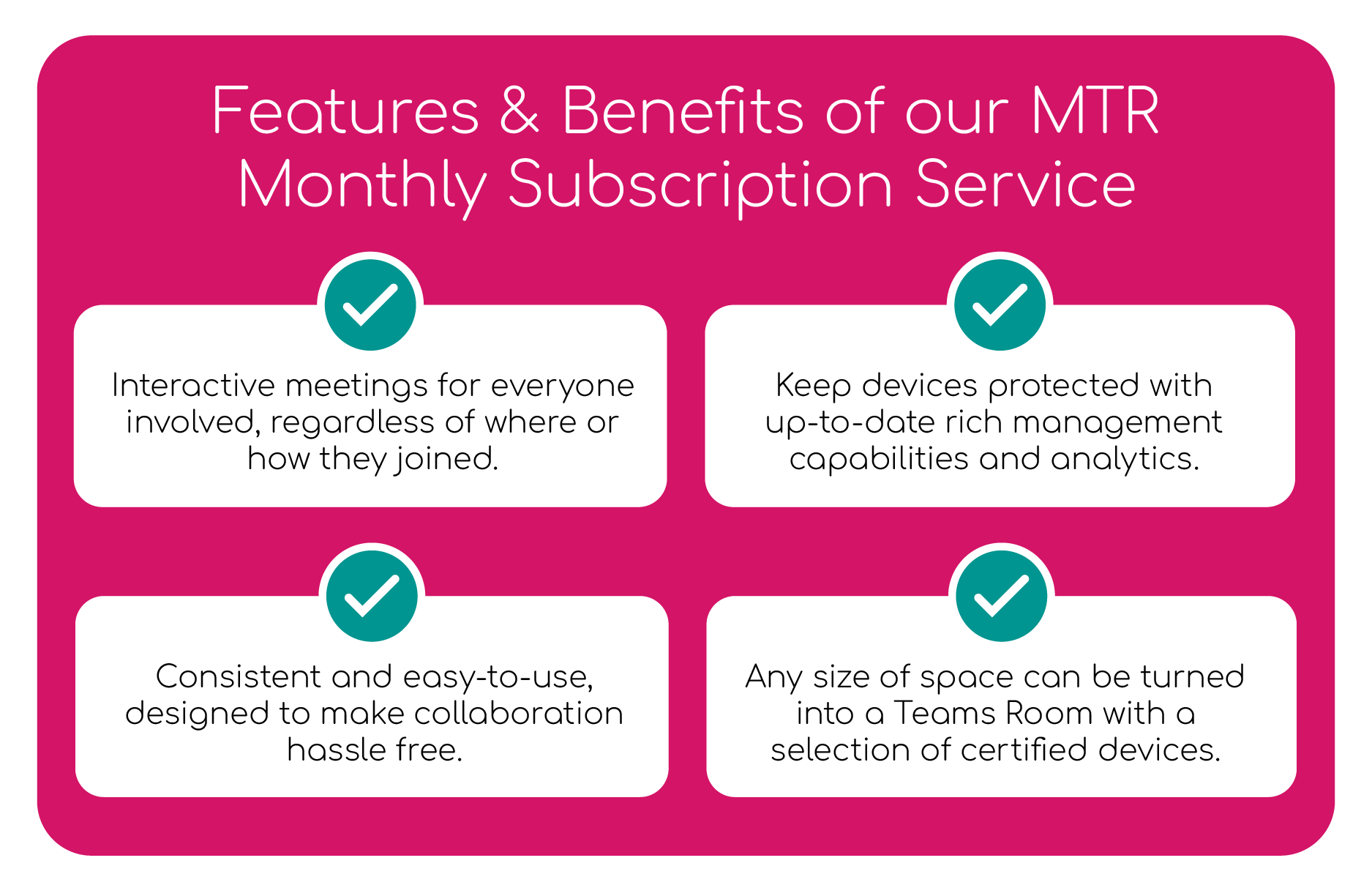
Here at Avoira, we are offering you a Microsoft Teams Room Solution which includes everything you need from a Teams System, floor or wall mounted display, installation, 3 year manufacturer warranty and a 3 year premier plus support package and site survey to ensure suitability of the proposed solution.
Teams Rooms are a digital workspace for virtual and physical meeting participants to collaborate online from anywhere, anytime using any device.
What is the difference between MS Teams and MS Teams Rooms?
Microsoft Teams is a chat-based collaboration platform for workforces to share ideas, documents and schedule and attend virtual meetings. Teams Rooms using Microsoft Teams software also supports various Teams certified devices such as video and audio products to create both a virtual and physical workspace.
What devices are certified for MS Teams Rooms?
We offer a variety of audio and video devices that are Teams Rooms certified from various brands, including Yealink, Logitech, EPOS, Poly, Crestron and more.
What sizes are MS Teams Rooms?
MS Teams Rooms can come in all shapes and sizes dependent on your needs. Teams Rooms range anywhere from conference rooms to boardrooms, huddle spaces to large, medium and small meeting rooms. There are a variety of devices that are suited specifically to whatever size room you need Teams Rooms solutions for.
Enhancing Collaboration: Microsoft Teams Rooms Revolutionise Virtual Meetings
In the ever-evolving landscape of remote and hybrid work, Microsoft Teams Rooms has emerged as a pivotal solution, revolutionising the way teams collaborate in virtual environments. Offering a seamless integration of hardware and software, Teams Rooms provides an immersive meeting experience that transcends the traditional boundaries of virtual communication.
Microsoft Teams Rooms is designed to transform any meeting space into a hub of productivity. From huddle rooms to large conference spaces, the versatility of Teams Rooms ensures that organisations can scale their collaboration capabilities according to their specific needs. The solution is optimized for a variety of hardware configurations, including touch-enabled displays, cameras, and audio systems, creating a cohesive environment for participants regardless of their physical location.
The integration of Teams Rooms with the Microsoft Teams platform brings forth a host of features that enhance communication and collaboration. With intelligent cameras that automatically frame participants and dynamic noise suppression technology, Teams Rooms ensures a professional and distraction-free meeting environment. The seamless integration with Microsoft 365 applications allows users to access files, share content, and collaborate in real-time, fostering a truly interactive and engaging virtual meeting experience.
Standout Features
One of the standout features of Microsoft Teams Rooms is its ability to support both in-room and remote participants simultaneously. The solution optimises the audio and video experience for hybrid meetings, ensuring that every voice is heard and every face is seen, regardless of whether participants are physically present or joining remotely. This inclusivity is paramount in today’s diverse and distributed workforce.
Security is a top priority in Microsoft Teams Rooms, with end-to-end encryption and compliance with industry-leading security standards. Organisations can confidently conduct sensitive discussions and share confidential information within the secure Teams environment.
As organisations navigate the challenges of the modern workplace, Microsoft Teams Rooms stands as a beacon of innovation, streamlining communication, and fostering collaboration. By seamlessly blending hardware and software, Teams Rooms is not just a meeting solution; it’s a transformative tool that empowers teams to connect, communicate, and collaborate more effectively than ever before.
Providing collaborative meetings for all participants, no matter where they join from
Financial Wellness Group required employees to be able to communicate and collaborate while working remotely with both internal contacts and external parties.
To enable seamless communication, our audio-visual engineers specified MS Teams Rooms technology. This allowed meeting attendees to collaborate online from anywhere, anytime using any device.
“It was natural to turn to Avoira, a proven, reliable specialist with expert knowledge in this field. As Avoira are vendor agnostic they were the perfect partner.”
Christian Hensen, Director of Technology Operations, FWG